


File management that keeps up.
A lightning-fast file manager for macOS with a low memory footprint, built in Rust, and free and open source.
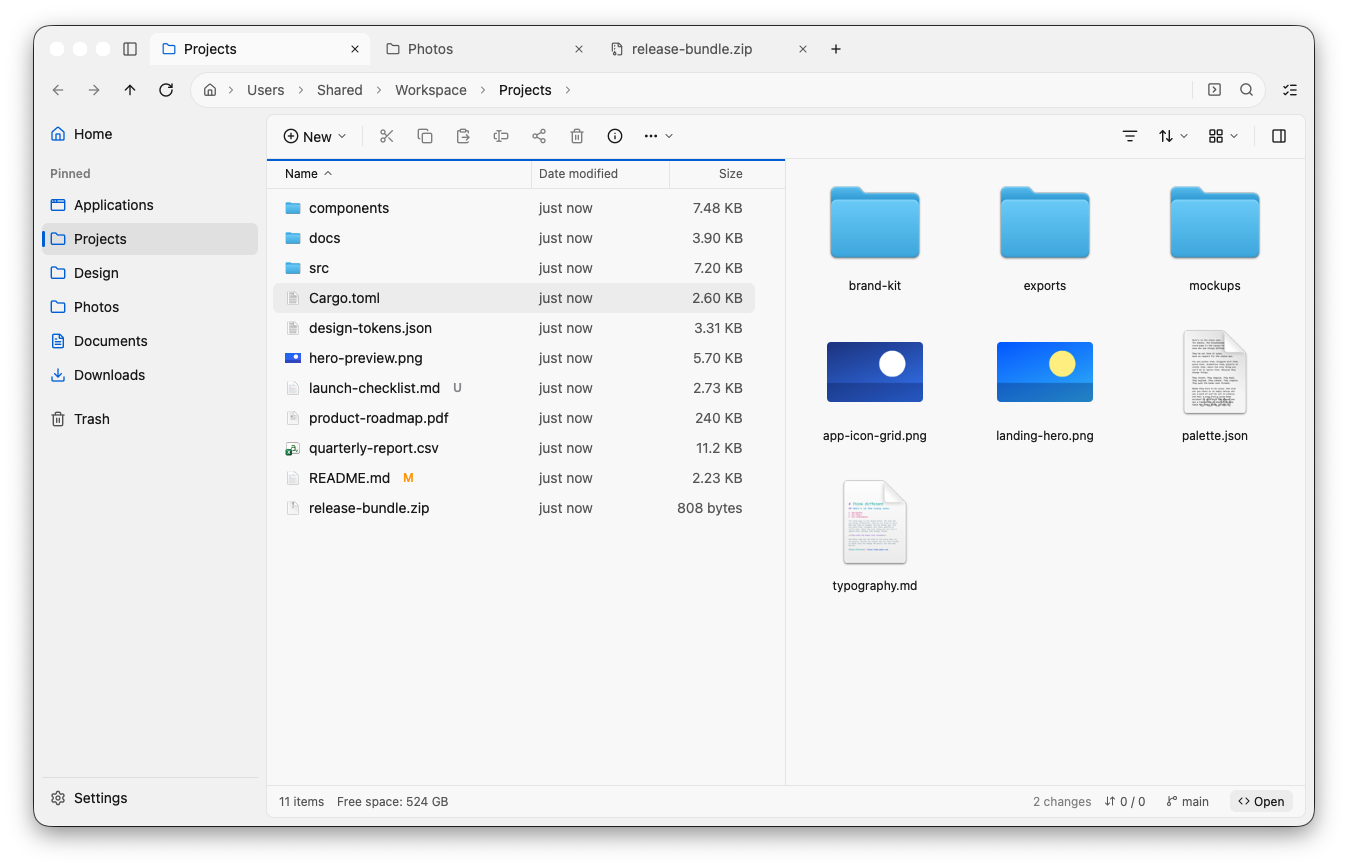
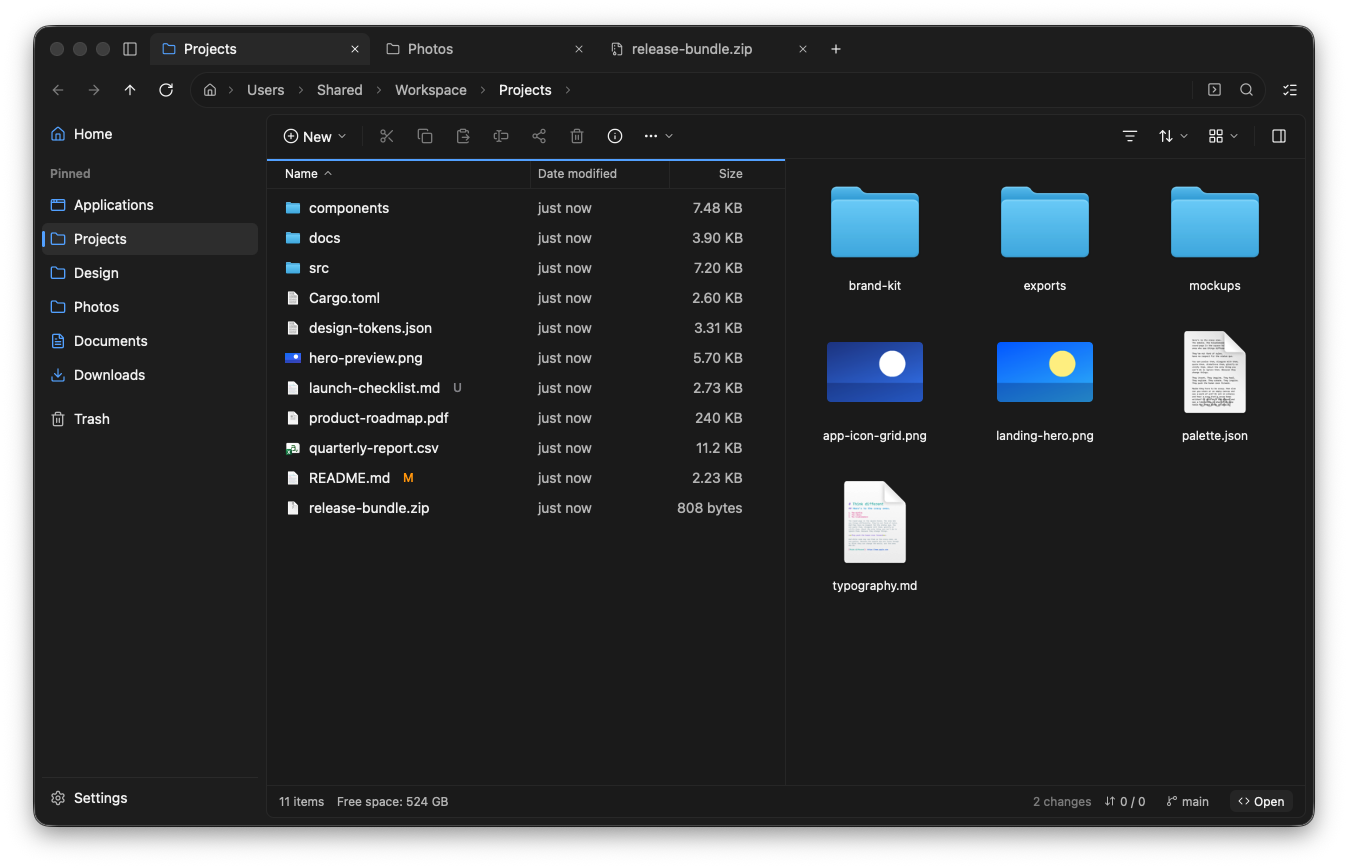
Open two folders side by side in a single tab—drag, compare, and organize without juggling overlapping windows.
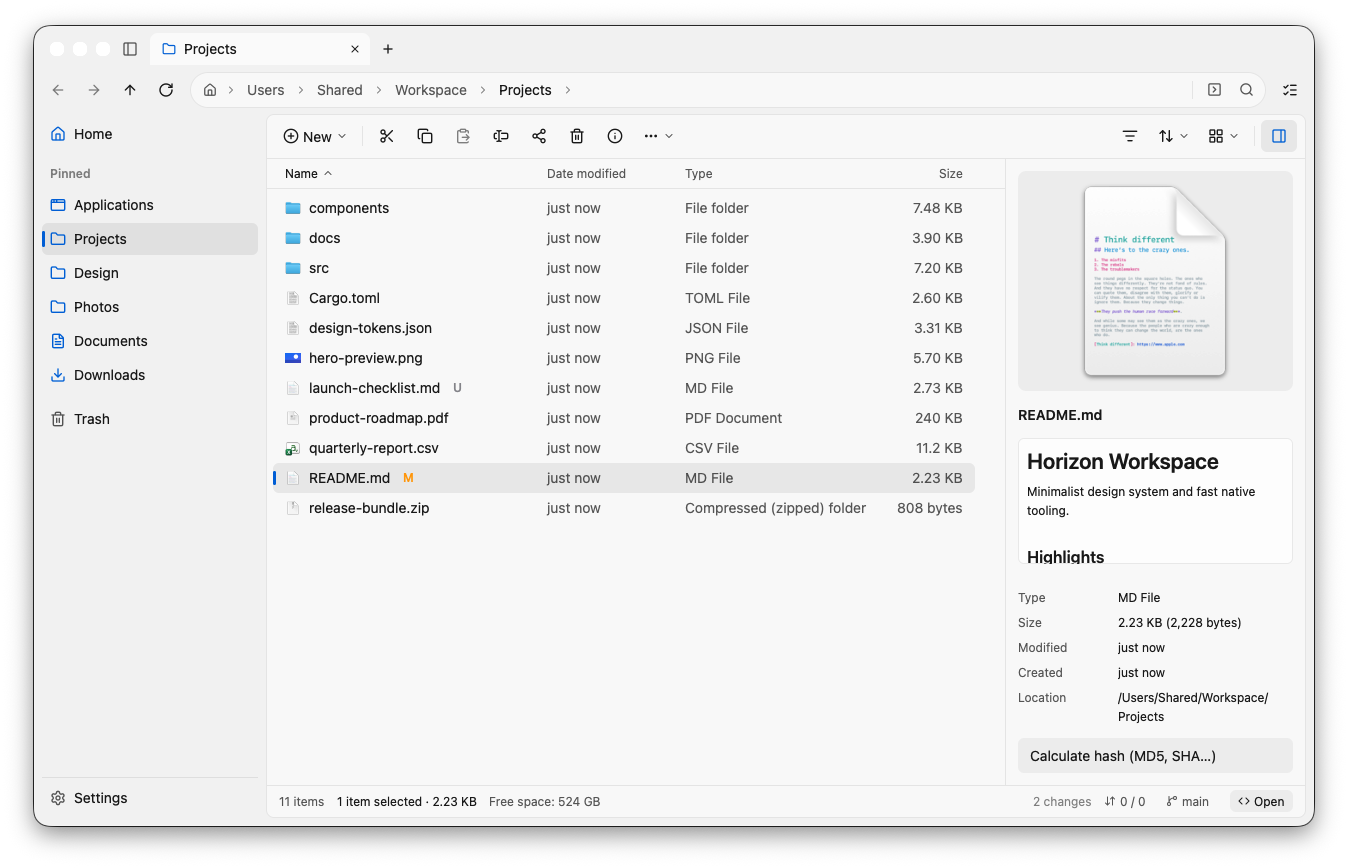
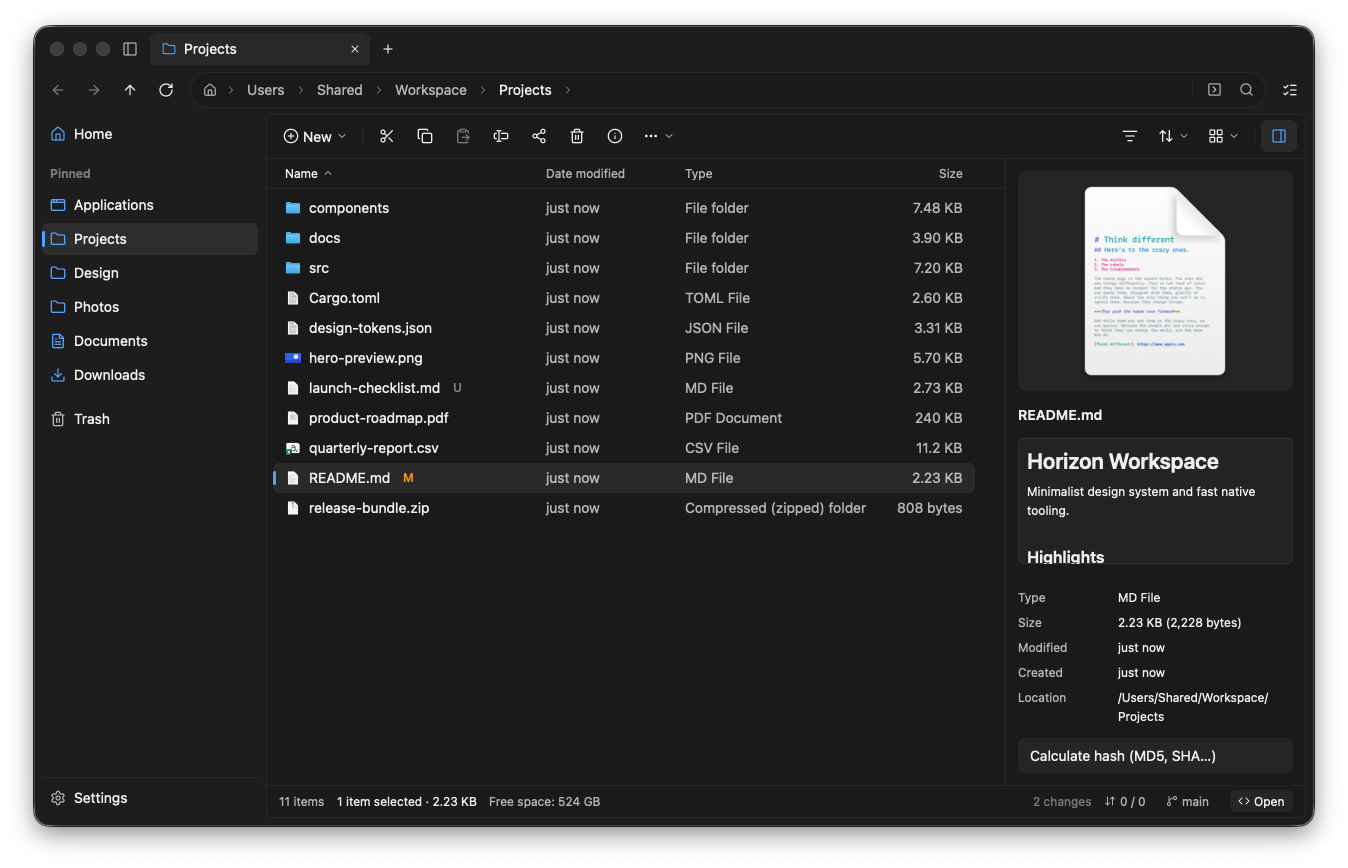
Inspect documents, Markdown, spreadsheets, PDFs, and design files right inside the window or with a tap of Spacebar.
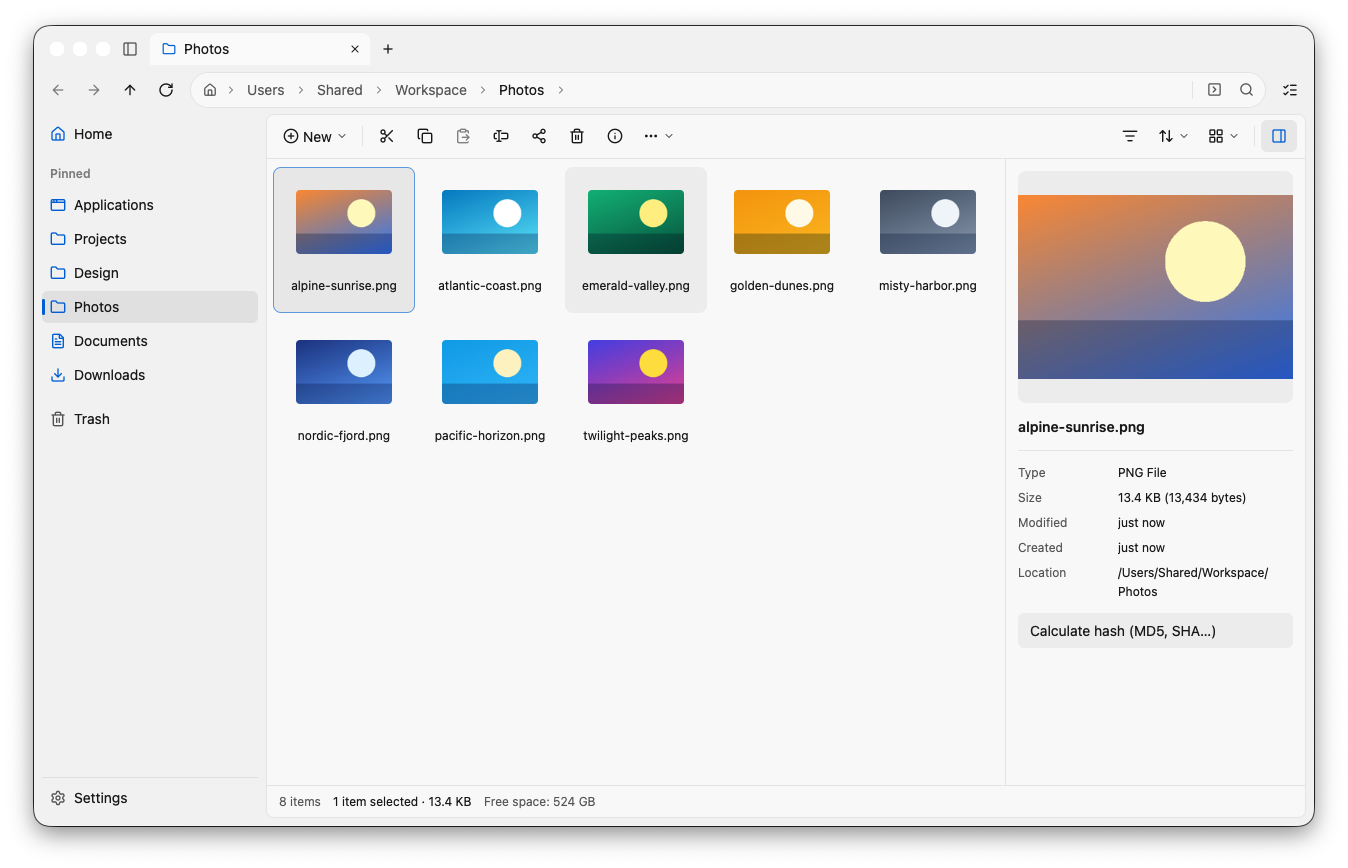
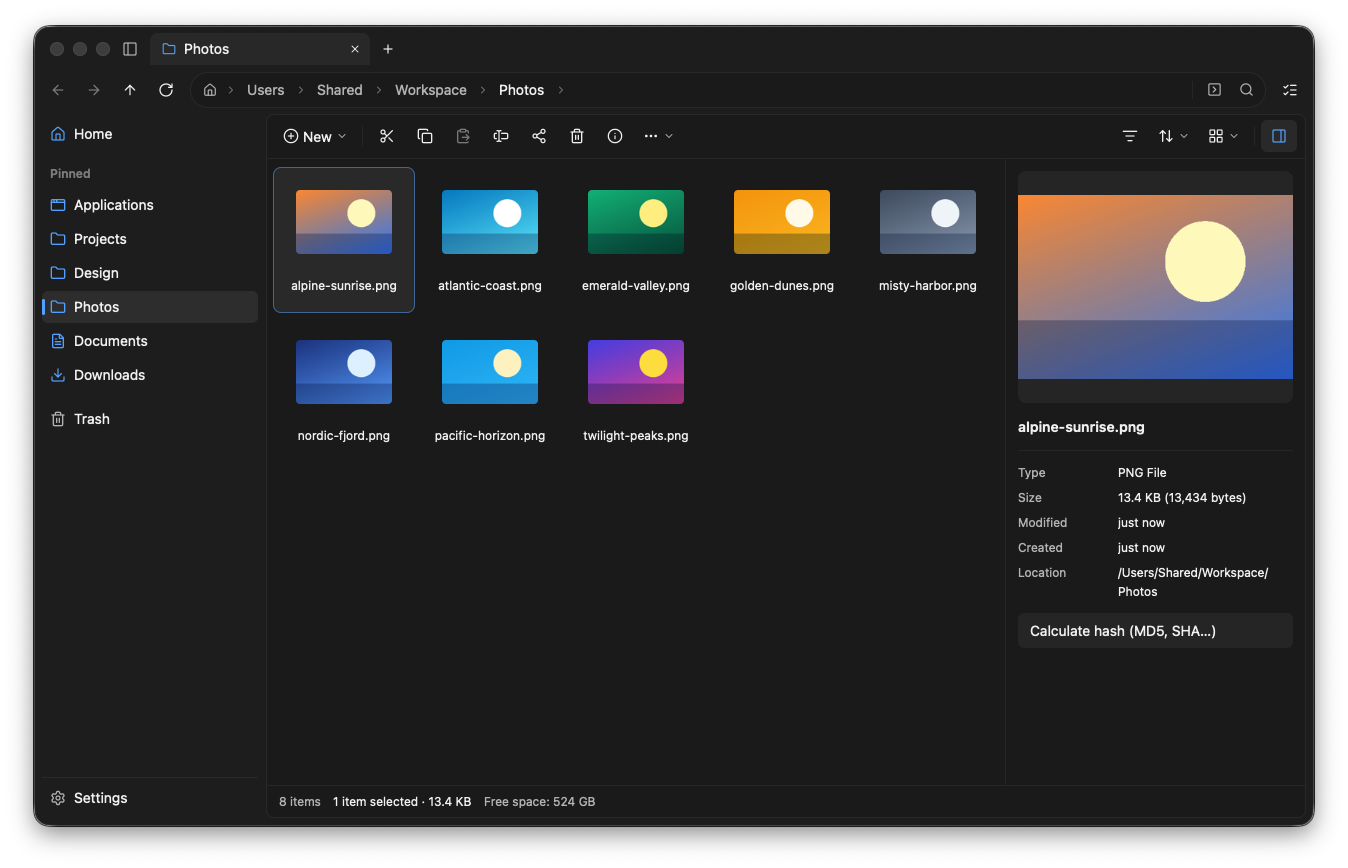
Browse large photo and media folders smoothly without stalls, even with hundreds of high-resolution previews.
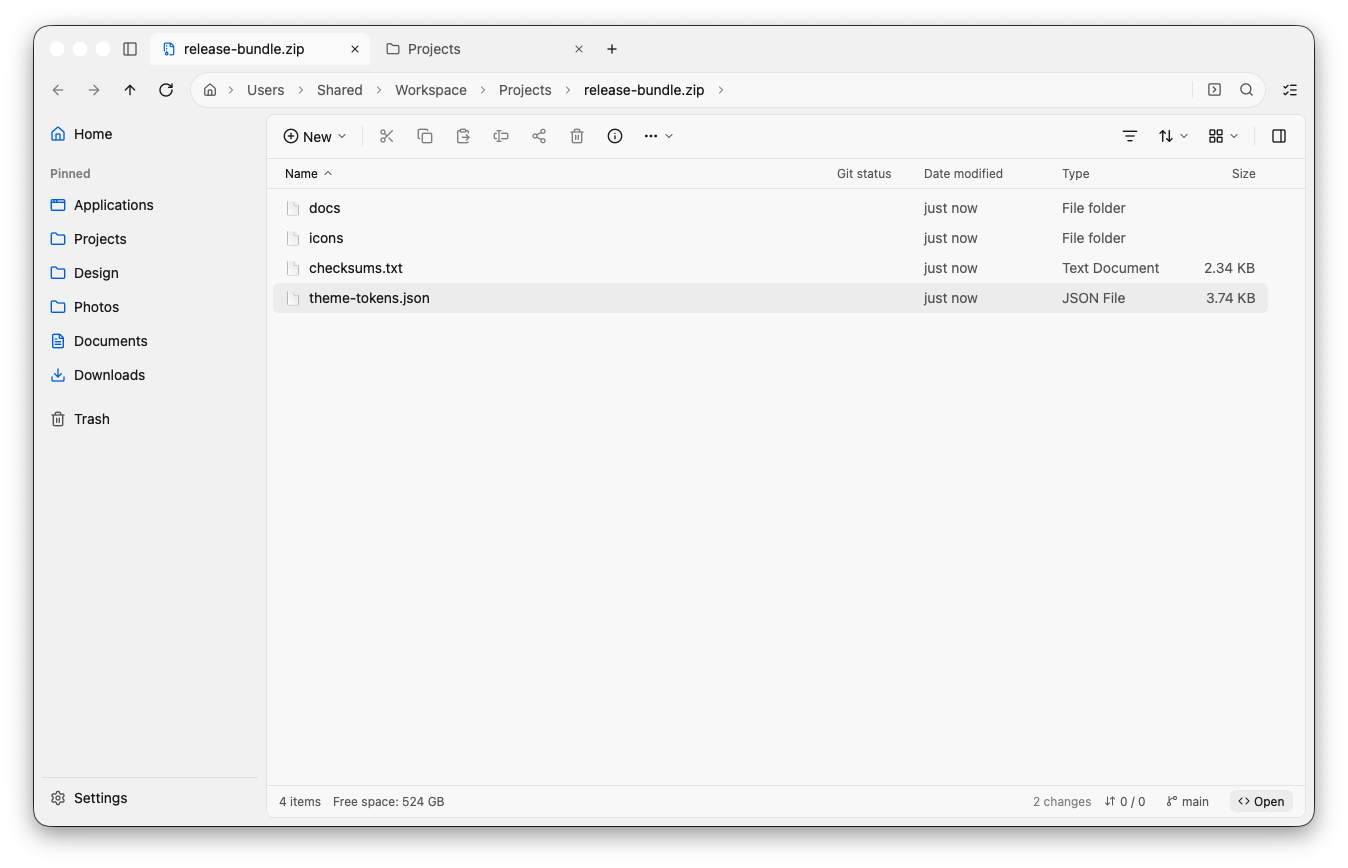
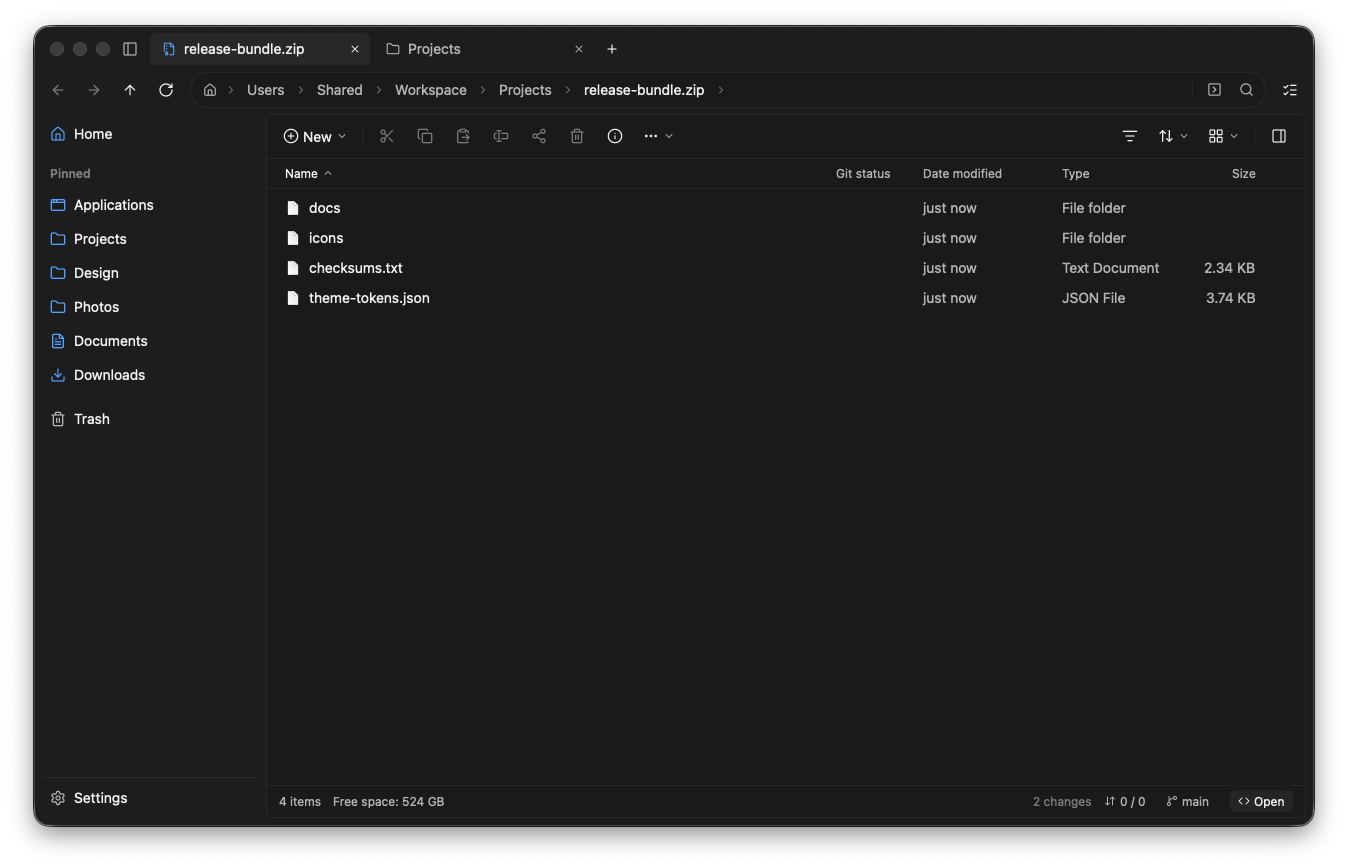
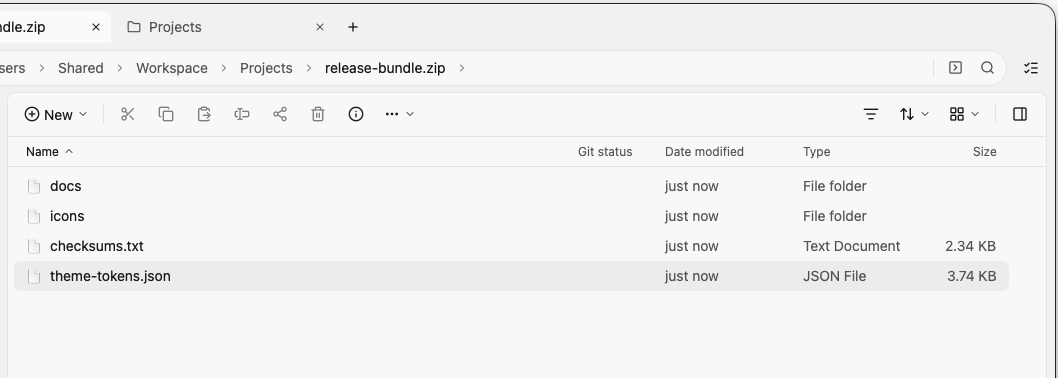
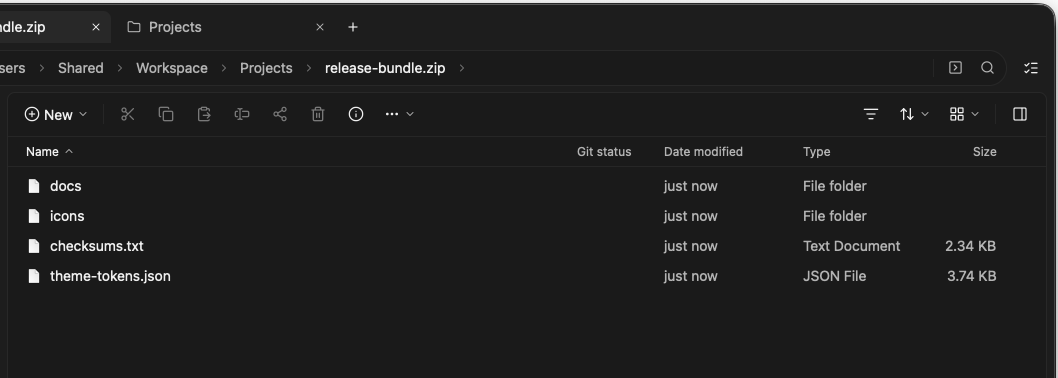
Step straight inside ZIP, 7z, RAR, and TAR archives like normal folders and grab only the file you need.
Native Rust and GPU rendering mean zero startup lag and no spinning beachballs.
Searches nearly half a million filenames in milliseconds while staying remarkably light on RAM.
Uses virtually zero background energy when you aren’t actively moving or searching files.
A Finder alternative that quietly does a lot more.
Clean enough for everyday browsing, with thoughtful built-in tools that save you from opening five extra utilities.
Peek inside archives without cluttering Downloads
Double-click any compressed archive to browse its folders right in place. Need to gather files from several places first? Drop them onto Brysk’s staging Shelf and move everything in one go.
- Opens ZIP, 7z, RAR, TAR, and ISO files like regular folders
- Pause, resume, or speed-limit large file transfers anytime
- Never overwrites files by accident—clashes safely keep both
Rich previews, disk space, and Git built right in
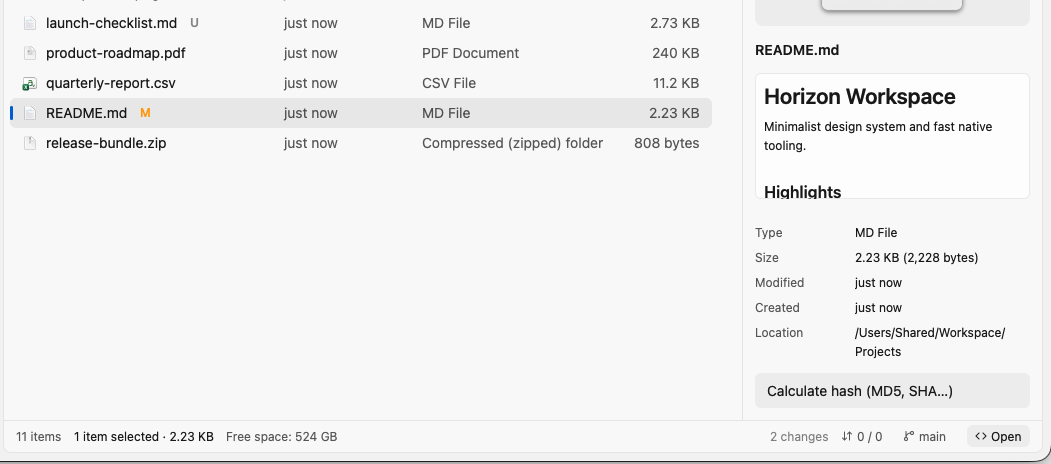
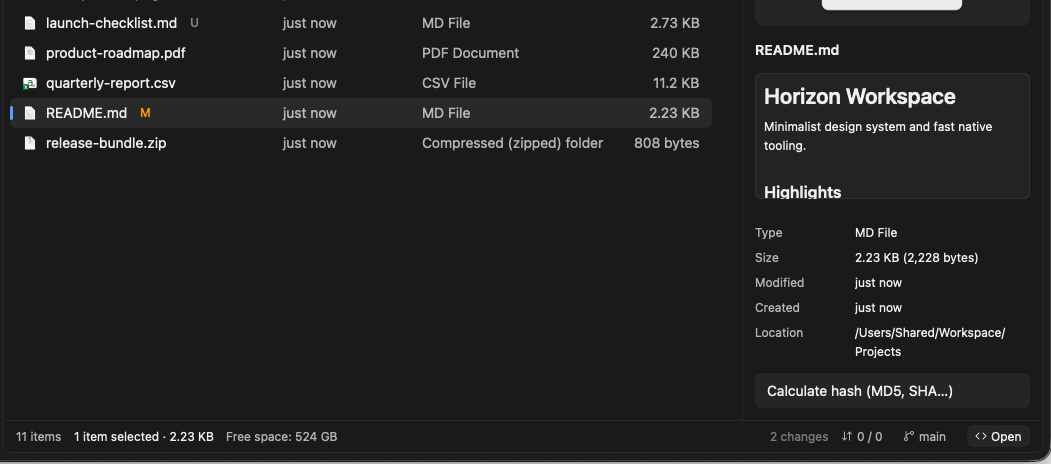
Press Space to preview Figma, Sketch, Illustrator, CSV tables, Markdown, uninstalled fonts, audio with lyrics, and video—without waiting for heavy apps to launch.
- Visual disk-space analyzer shows what’s filling up your drive
- See Git branch & modified status and open in your favorite editor
- One-click file hash check and batch rename with live preview
Feels at home whether you come from Mac or Windows
Brysk pairs native macOS touches—Finder tags, Quick Look thumbnails, Share sheet, and ⌘ shortcuts—with the crisp layout and Ctrl muscle memory Explorer fans love.
- Supports both macOS ⌘ and Explorer Ctrl shortcuts out of the box
- Global ⌥Space quick search finds files, apps, and bookmarks
- Signed and notarized by Apple for Apple Silicon and Intel Macs
Free. 100% open source.
A file manager sees everything on your computer—you shouldn’t have to rent it or wonder what it does behind the scenes. Brysk is built openly in Rust under the permissive MIT license.
No paywalls or tiers
Every feature is completely free for personal, academic, and corporate use—no trials, nag screens, or subscriptions.
Zero tracking or telemetry
Your filenames and folders never leave your Mac. No accounts, no analytics SDKs, and no background data collection.
Community-driven code
Read every line on GitHub, report issues, suggest improvements, or compile the app yourself in a single command.
Common questions
Does Brysk replace Finder or run alongside it?
It runs peacefully alongside Finder like any standard Mac app. It doesn’t modify system files, shares the same macOS Finder color tags, and lets you drag and drop files freely between both.
Does it work on both Apple Silicon and Intel Macs?
Yes. The download is a universal Mac app signed and notarized by Apple, so it runs natively on Apple Silicon (M-series) and Intel Macs without Gatekeeper warnings.
Why is Brysk so much faster and lighter than other alternatives?
Many modern apps bundle an entire web browser under the hood. Brysk is written in Rust and draws directly on your Mac’s GPU, keeping memory low and folder browsing instant.
Is it really free for work and personal Macs?
Yes—Brysk is released under the MIT open-source license, based on upstream rustyfiles. You can use it anywhere at no cost.